
Make a Payment
You can pay from our invoice or separately via PayPal or Venmo.
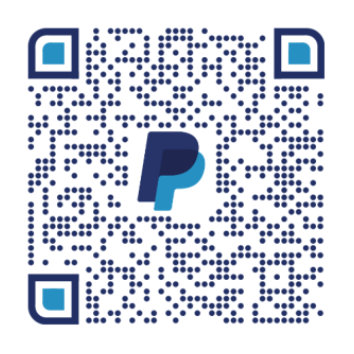
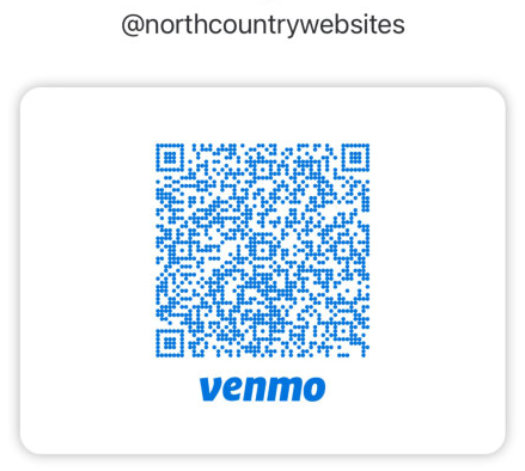
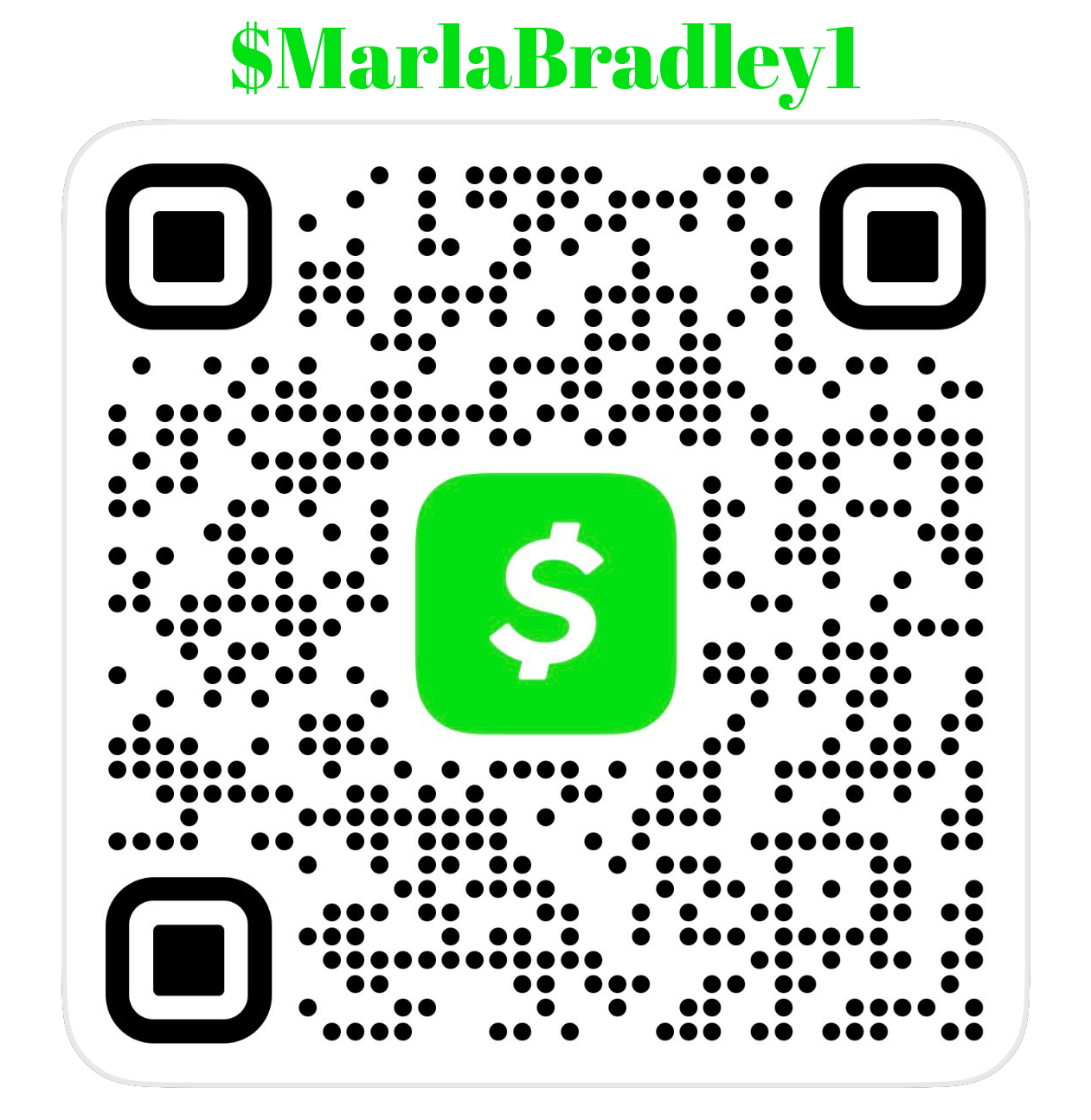
How to Make a Payment Using a Credit Card or ACH.
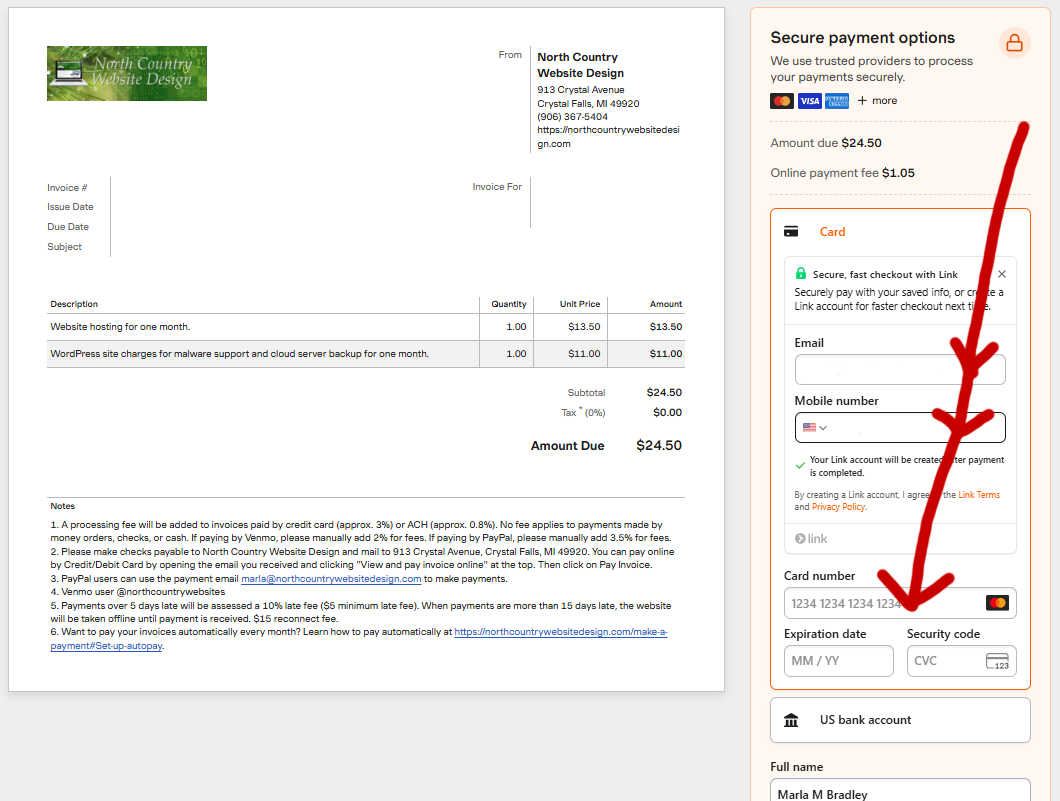
Please use the invoice sent to you by NCWD.
You can go directly to the invoice using the invoice link we provided.
OR
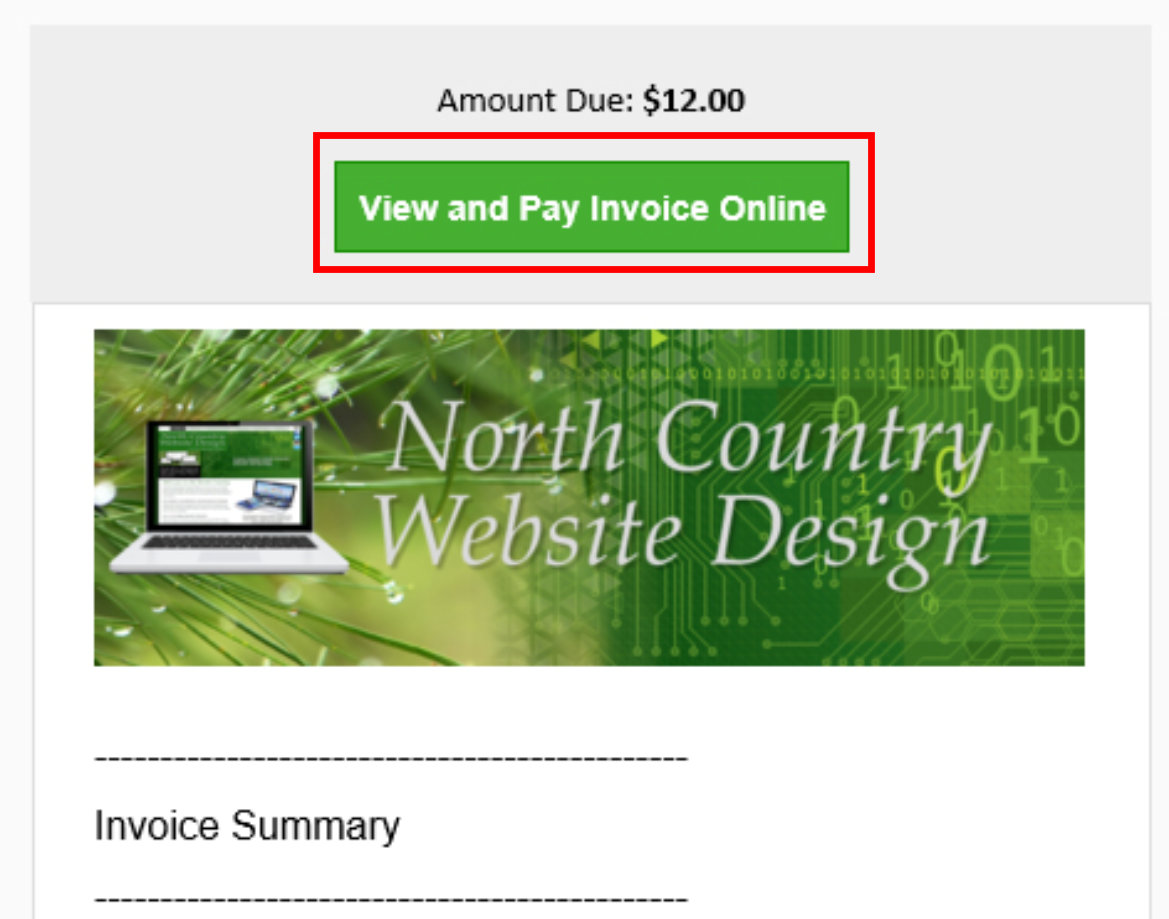
In the email you receive from our invoicing system (Harvest), click on the green button “View and Pay Invoice Online” located at the top of the email. ↓
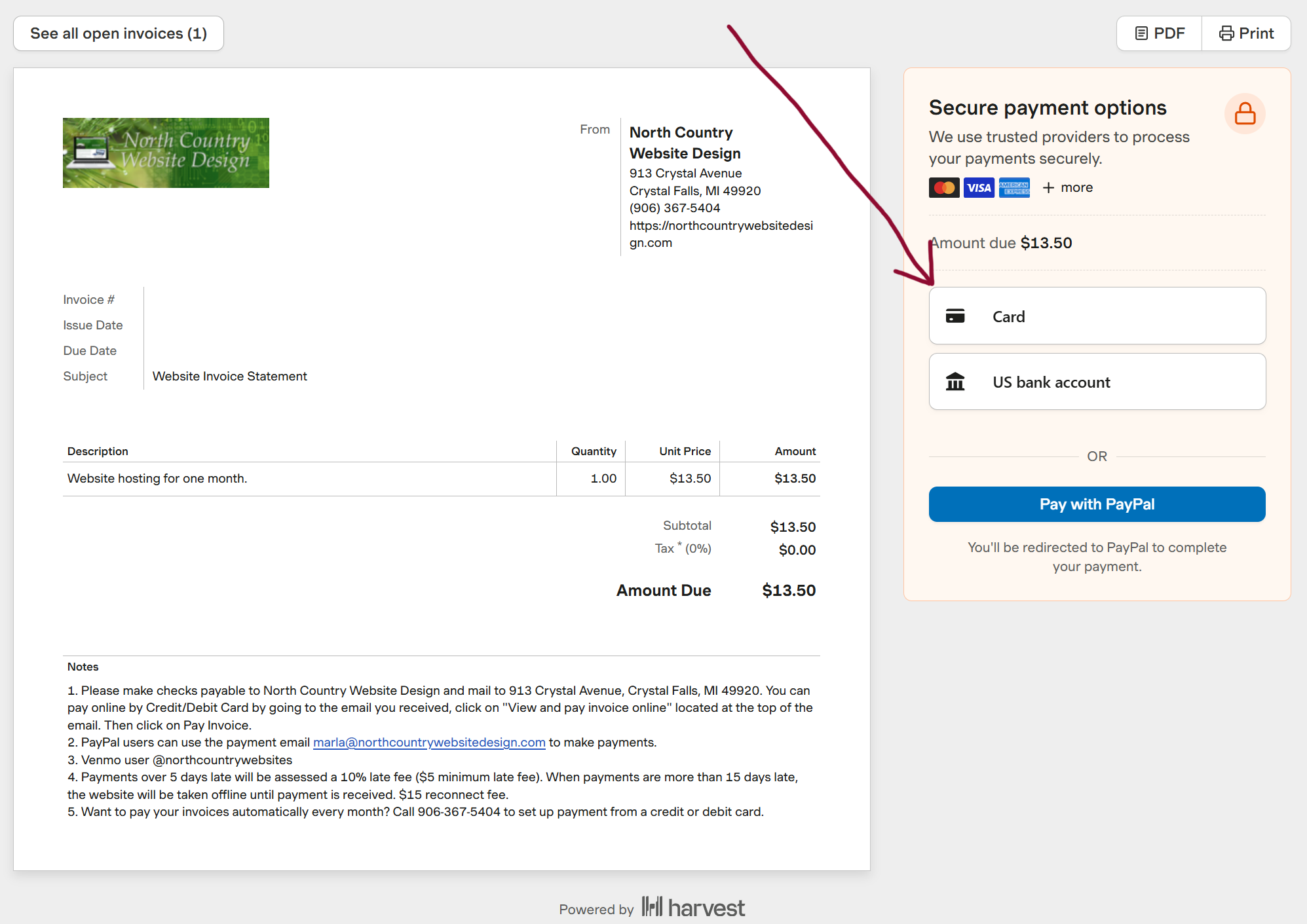
2. Under the ‘Secure payment options’ section, choose to pay with Credit Card, US Bank Account, or PayPal. Enter your credit card or bank information and then click the green 'Pay $' button. Or you can click on the blue 'Pay with PayPal' button and follow the instructions. ↓
How to Set Up Auto Pay
1. Under the ‘Secure payment options’ section, click on ‘Card’ or ‘US Bank Account.’
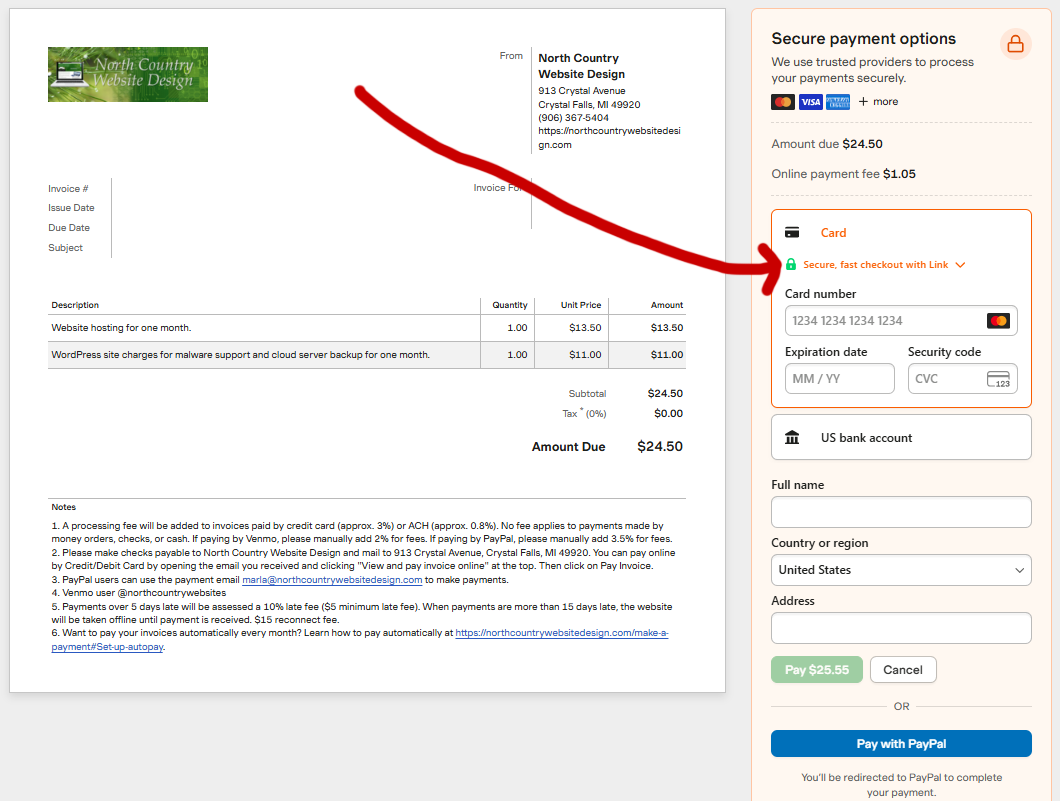
Click on "Secure, fast checkout with Link". ↓
2. Enter your email and click ">link". ↓
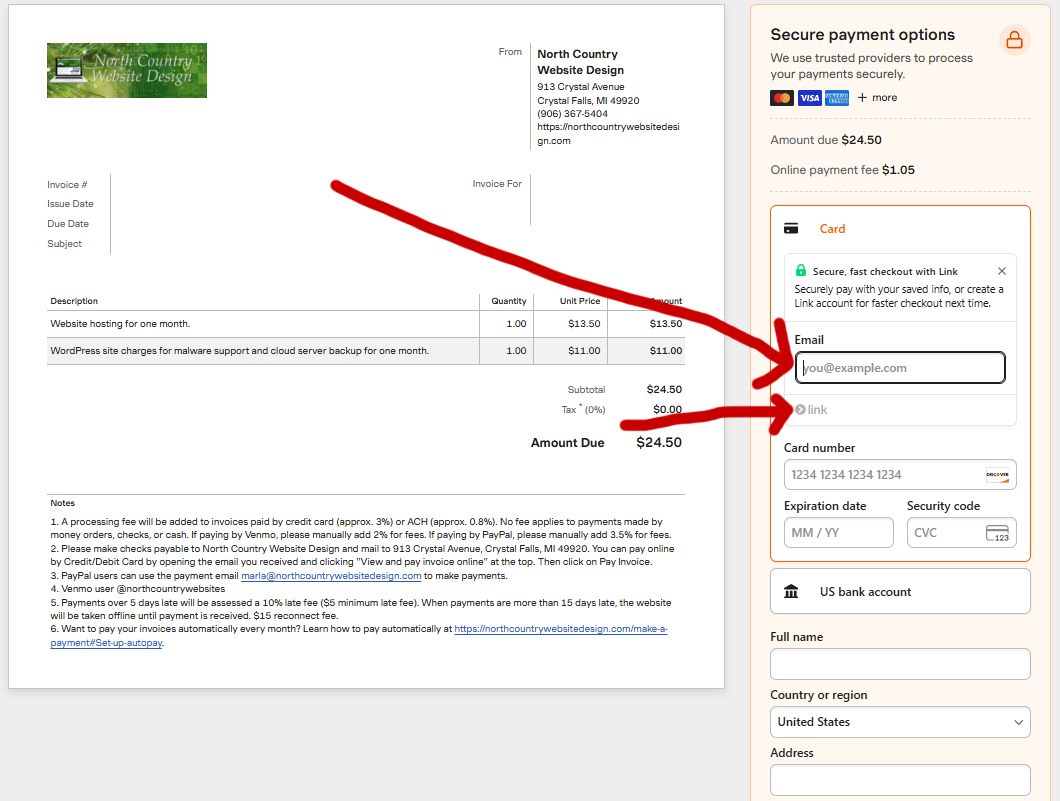
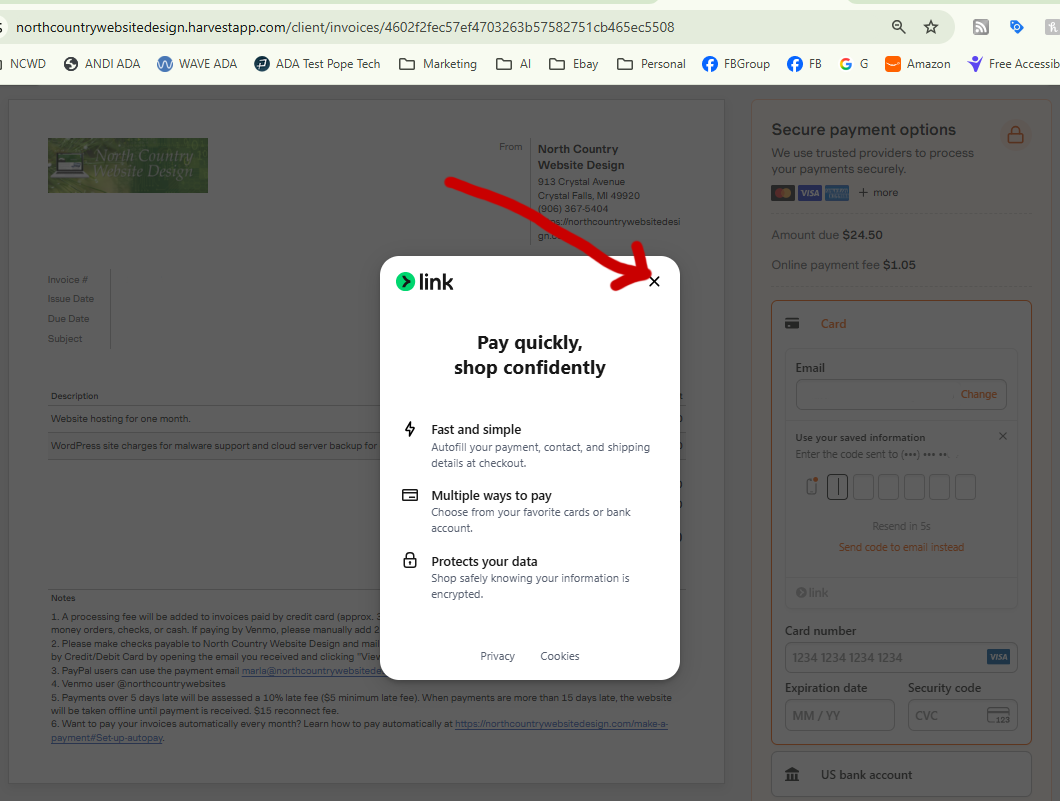
3. Click x to get out of this screen. It is just telling you more about link. ↓
4. Make sure your email, phone number, and credit card information are filled out completely and correctly. Then complete the steps to set up automatic payment, and you will also have paid the current invoice. ↓